Salt la informațiile despre produs
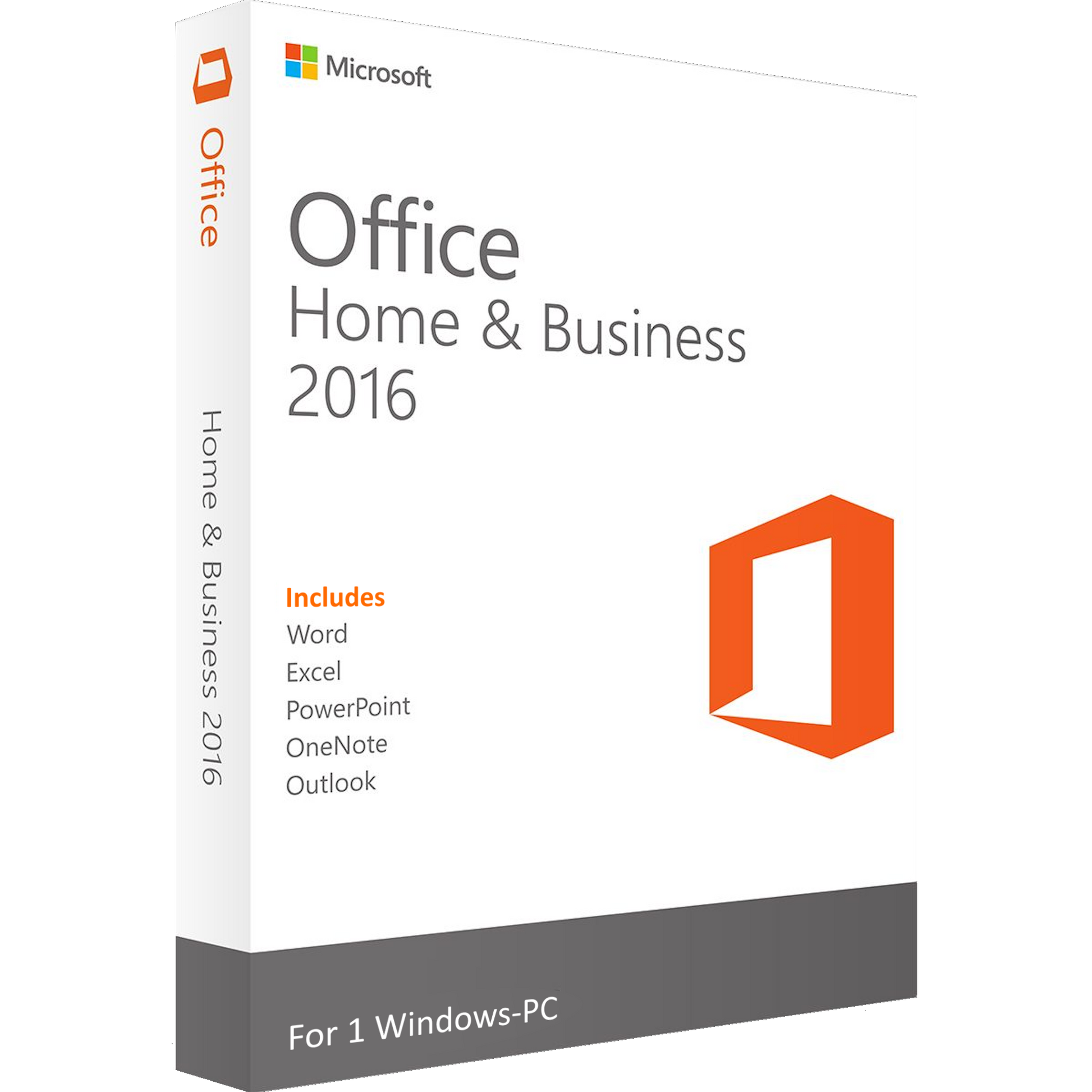
Office 2016 Home & Business

Office 2016 Home & Business

€39,80
În stoc

License Features

  • License type: Electronic License
  • Delivery: Instant
  • Availability: Permanent
  • Return period: 30 days
  • Language: Multilanguage
  • Compatibility: Windows 11, Windows 10, MAC
  • Technical Support: Yes
  • Warranty: 24 Months

Office 2016 Home & Business offers an essential set of applications for both home users and business environments. With Word, Excel, PowerPoint, Outlook, and OneNote, this suite ensures optimal efficiency and organization. Featuring a familiar interface and improved functionality, Office 2016 allows you to easily create, edit, and manage documents without relying on subscriptions. Compatible with Windows 7, 8, and 10, Office 2016 remains a reliable solution for users seeking performance and stability.


Performance and Productivity

Microsoft Office 2016 Home & Business is the ideal solution for professionals, entrepreneurs, and home users who need a set of powerful, intuitive, subscription-free applications. With a classic and optimized interface, this package offers a fast and efficient work experience.

Focus on:

🔹 🔒 Lifetime license: Purchase only once, no monthly or annual costs.

🔹 📂 Essential Apps: Includes Word, Excel, PowerPoint, Outlook and OneNote , optimized for maximum productivity.

🔹 ⚡ Wide Compatibility: Works perfectly on Windows 7, 8 and 10 , providing stability and performance.


Efficiency and Connectivity

Microsoft Office 2016 Home & Business offers a complete set of essential applications for document management, communication, and collaboration. With an optimized interface and advanced features, this suite allows you to work faster and more organized.

Focus on:

🔹 📧 Professional Email Management: Outlook 2016 gives you an organized inbox, smart filters, and cross-platform synchronization.

🔹 📁 Easy Storage and Sharing: Save documents locally or to OneDrive for accessibility from anywhere.

🔹 🔄 Optimized for Collaboration: Improved features for teamwork and real-time document editing.


Stability and Security

Office 2016 Home & Business offers optimized performance and advanced protection for your data, making it the perfect solution for an efficient work environment.

Focus on:

🔹 🛡️ Enhanced Security: Advanced protection against cyber attacks and regular updates for the safety of your data.

🔹 ⚙️ Stable Performance: Runs efficiently, without excessive resource consumption on your PC or Mac.

🔹 📑 Advanced Editing Tools: Word, Excel, and PowerPoint include smart features for automating repetitive tasks.

Download the Office 2016 Home & Business installation file:

Access the official download link from the Microsoft website:
🔗 https://setup.office.com

Follow these steps for installation:

🟦 1. Download the Office installation file from the Microsoft website (depending on your platform: Windows or macOS).

🟦 2. Double-click or right-click the downloaded file and select Mount (on Windows) or Open (on macOS) .

🟦 3. Find the "Setup.exe" (Windows) or "Installer.pkg" (macOS) file and double-click it to start the installation.

🟦 4. Wait for the installation to complete – this process may take a few minutes, depending on the speed of your device.

🟦 5. After installation, open any Office application (e.g. Word or Excel).

🟦 6. The activation window will appear - enter the product key you received upon purchase.

🟦 7. Click "Activate Office" and wait for activation confirmation.

🟦 8. 🎉 Done! Office 2016 Home & Business is fully installed and activated!

If you encounter any problems or have any questions, please contact us via our Contact page or at the support email address " support@wow-soft.eu ". Our support team is available 24/7 to help you.

1) What is Microsoft Office 2016 Home & Business and what’s included?

A one-time purchase, perpetual Office suite for home and small business use. It includes Word, Excel, PowerPoint, and Outlook (OneNote available separately/installed depending on OS).

2) Is this a perpetual license or a subscription? How many devices are covered?

It’s a perpetual license for 1 device (one active installation at a time). Retail licenses can be moved to a new device; OEM licenses remain tied to the original hardware (see product details).

3) How do I receive, download, install, and activate?

Delivery is digital via email (product key + official download instructions). Install, open an Office app (e.g., Word), then enter the product key / sign in to activate.

4) Is it compatible with my system and languages?

Designed for Windows 7/8.1/10 (PC edition) and supported macOS releases of its time (Mac edition). Functionality on newer OS versions may be limited. Interface languages can be selected or added after install.

5) What about updates and support lifecycle?

Security updates for Office 2016 ended on October 14, 2025. For ongoing security patches and the latest features, consider a newer Office version.

Related products