Salt la informațiile despre produs
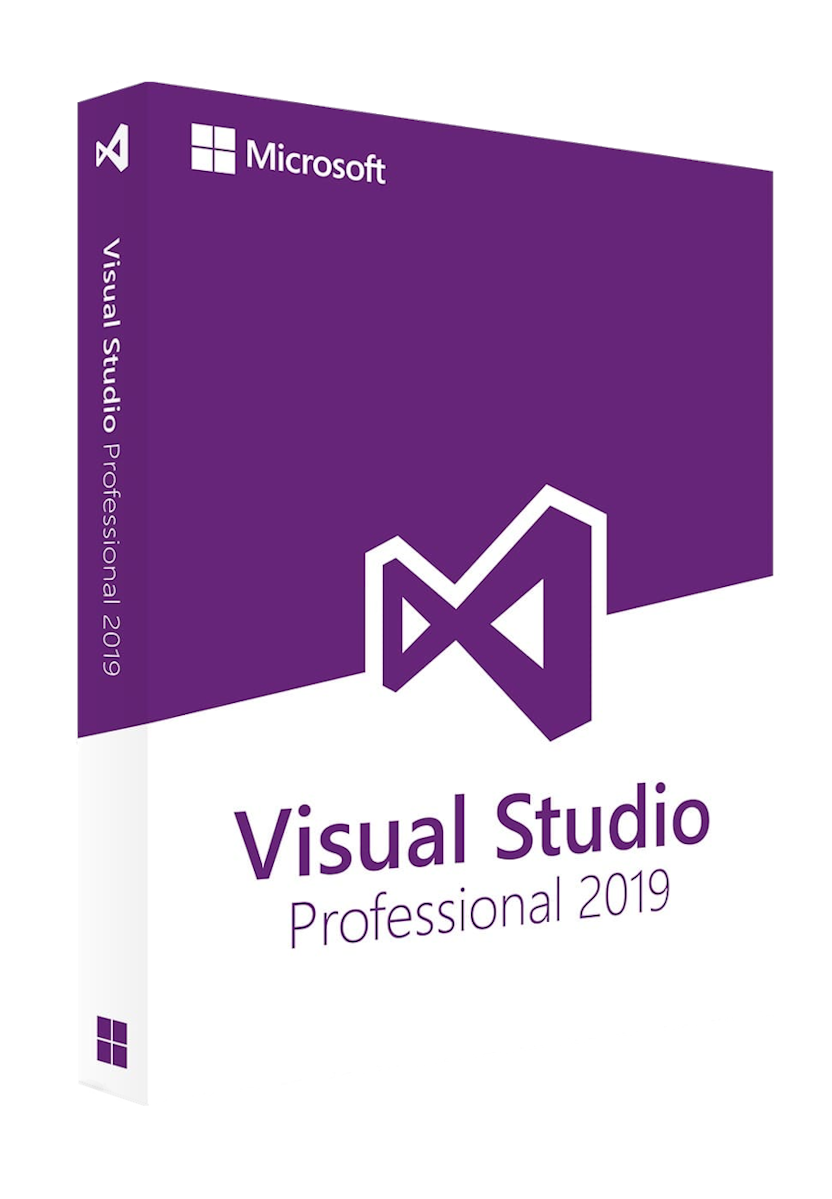
Visual Studio Professional 2019

Visual Studio Professional 2019

€16,95
În stoc

License Features

  • License type: Electronic License
  • Delivery: Instant
  • Availability: Permanent
  • Return period: 30 days
  • Language: Multilanguage
  • Compatibility: Windows 11, Windows 10
  • Technical Support: Yes
  • Warranty: 24 Months

Easily build complex applications with Visual Studio Professional 2019. From writing code to testing and deployment, Visual Studio Professional 2019 provides advanced features and support for multiple programming languages, making it the perfect partner for any software development project.


Intuitive and Customizable Interface

Visual Studio Professional 2019 offers a modern and optimized interface to facilitate the development of complex applications. With support for multiple programming languages, it enables a smooth and organized coding experience.

Focus:

  • Modern Design: Easy layout and theme customization.
  • Increased Performance: Fast loading of large projects.
  • Ease of Navigation: Integrated functions for efficient development.


Effective Project Management

Integration with Azure DevOps and GitHub improves collaboration between teams, facilitating task tracking and version management.

Focus:

  • Version Control: Native integration with Git and GitHub.
  • Code Sharing: Automatic synchronization between developers.
  • Project Monitoring: Direct connectivity to Azure DevOps.


Advanced Development Features

Visual Studio Pro 2019 provides powerful debugging, refactoring, and testing tools that help develop high-quality applications quickly.

Focus:

  • Intelligent Debugging: Quickly identify problems.
  • Automated Testing: Support for unit testing and integration.
  • Extensibility: Support for custom extensions and add-ons.

Download the Visual Studio Professional 2019 installation
file:

https://visualstudio.microsoft.com/downloads/

After downloading the installer, follow these steps:

1. Download the Visual Studio installer (using the
link above).

2. Double-click or right-click the downloaded file
and select Open.

3. Choose Run, then select the desired
options in the installation window.

4. Wait for the installation process to complete.

5. After installation, open Visual Studio
from the Start menu.

6. On the first launch, either sign in with your
associated Microsoft account or enter the product key, then click Activate.

7. Done! Visual Studio is now fully activated and
ready to use.

If you encounter any issues or have questions, please
contact us through our Contact Page or via email at support@wow-soft.eu.

Our support team is available 24/7 to assist you.

1) What is Visual Studio Professional 2019 and who is it for?

A professional IDE for Windows to build .NET/C#, C++, web, desktop, cloud, and mobile apps. It includes modern editing/debugging, integrated Git tools, testing/profiling, and IntelliCode AI suggestions—great for freelancers and teams.

2) How is Visual Studio Professional 2019 licensed (subscription vs perpetual)?

It’s per-user licensing. You can get a Professional Subscription (adds benefits like Azure credits, dev/test rights, support, training) or a standalone license in some channels. A licensed user may install on multiple devices for their own use.

3) What are the system and OS requirements?

Runs on supported Windows 10 (64-bit recommended) and Windows Server versions of its era. For smooth work: SSD, 16 GB RAM+ (more for C++/large solutions), and a recent multi-core CPU. Internet is required for initial setup/updates; offline layout/install is supported.

4) How do I download, install, and activate it?

Download the Visual Studio Installer, pick the needed workloads (e.g., .NET desktop, ASP.NET, C++), install, then sign in with a Microsoft account or enter a product key to activate.

5) How does Professional 2019 compare to Community and to VS 2022?

Community is free but has usage limits for larger organizations. Professional permits full commercial use for teams and (with subscription) extra benefits. Compared to VS 2022 (which is 64-bit with newer features/performance), VS 2019 suits teams needing toolchain/legacy compatibility while keeping a familiar workflow.

Related products