
Windows 10 and Windows 11 licences
Perpetual Windows licences for a fresh install or for activating a PC that is already running Windows. Home is enough for everyday use; Pro adds BitLocker, Remote Desktop host, Hyper-V and domain join. The key arrives by e-mail together with the official download link and step-by-step activation instructions.
Windows 11 2 products
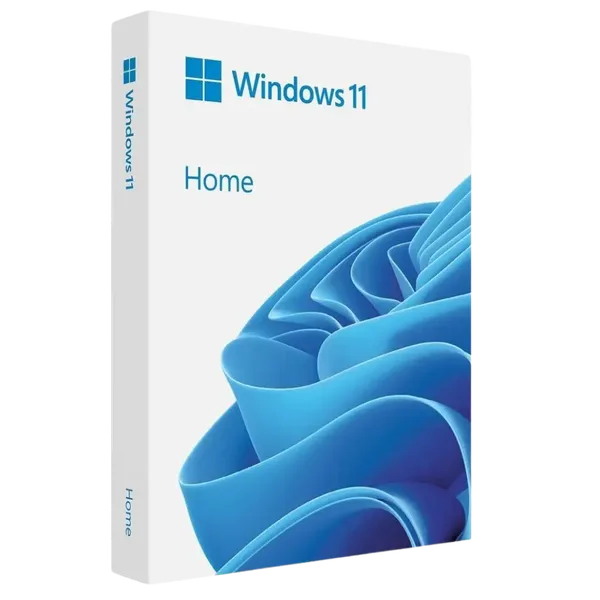
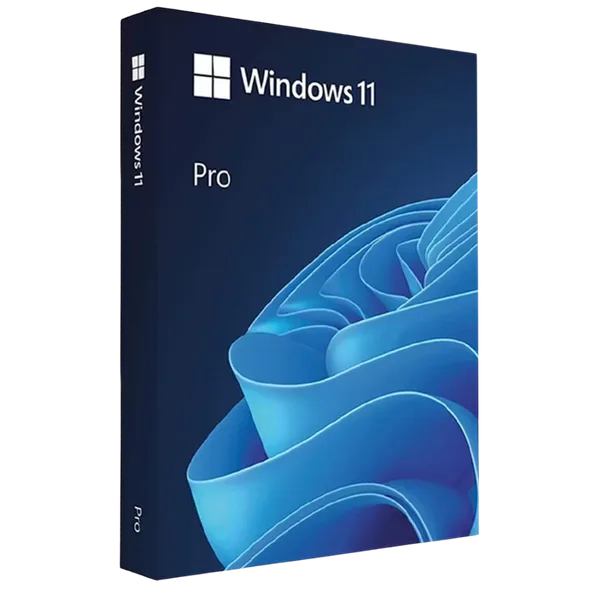
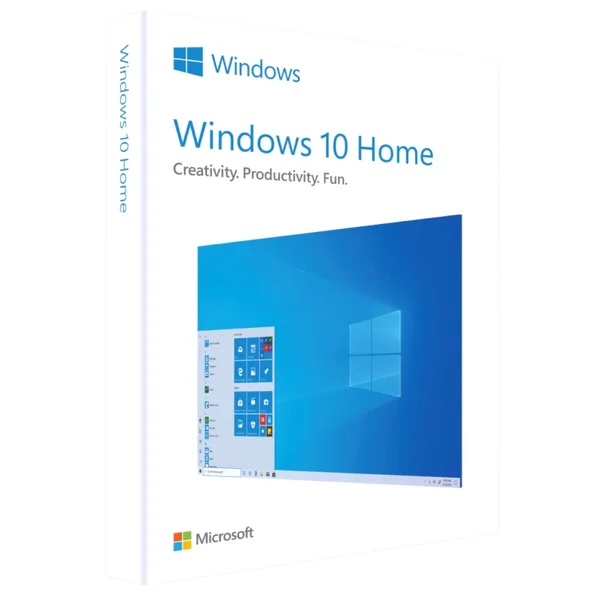
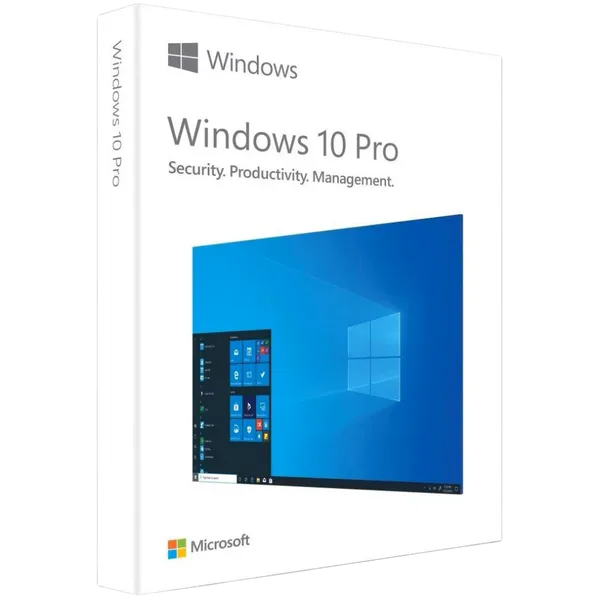
Windows 10 2 products
Windows 11 Home vs Pro – what is different
| Feature | Windows 11 Home | Windows 11 Pro |
|---|---|---|
| BitLocker (disk encryption) | – | Yes |
| Remote Desktop | client only | client and host |
| Hyper-V (virtual machines) | – | Yes |
| Domain / Azure AD join | – | Yes |
| Maximum RAM | 128 GB | 2 TB |
| Local account at setup | – | Yes |
Frequently asked questions about Windows
Is the Windows key perpetual?
Yes. Once activated, the licence stays valid for the lifetime of the installation, with no subscription and no periodic reactivation.
Can I upgrade from Windows 10 to Windows 11 with this key?
A Windows 11 key activates a clean install of Windows 11 or an existing Windows 11 installation. Check the hardware requirements (TPM 2.0, supported CPU) before upgrading.
What is the difference between OEM and Retail?
Both activate the same edition. An OEM licence is tied to the first PC it activates; a Retail licence can be moved to another PC after the old one is deactivated.
How do I receive the licence?
By e-mail, usually within 5 minutes of payment, with the download link and the activation guide. In rare cases delivery can take up to 24 hours.