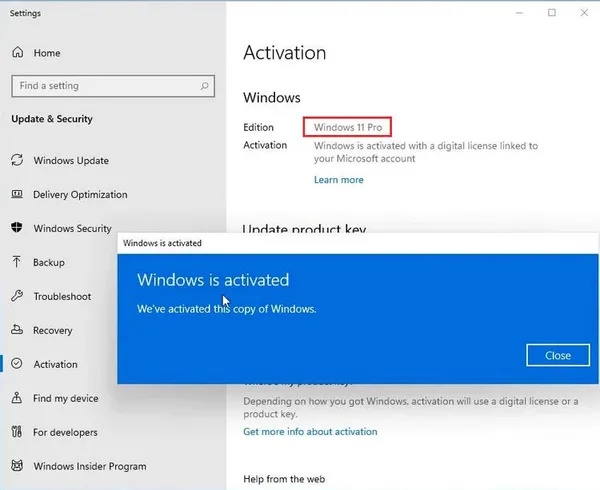
Windows 11 Pro - Installation Instructions
If you don't already have Windows 11 Professional installed, we recommend downloading and installing it first from here: https://www.microsoft.com/en-us/software-download/windows11
Common errors during activation:
0xc004f050 (Click here to learn how to fix this error)
0xc004c008 (Click here to learn how to fix this error)
0xc0ea000a (Click here to learn how to fix this error)
If you receive any other error, please contact our support team via email at support@wow-soft.eu or on the Contact page for further assistance.
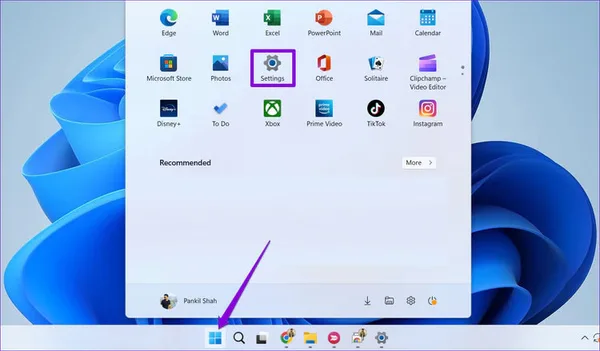
1. Click Start -> Go to Settings
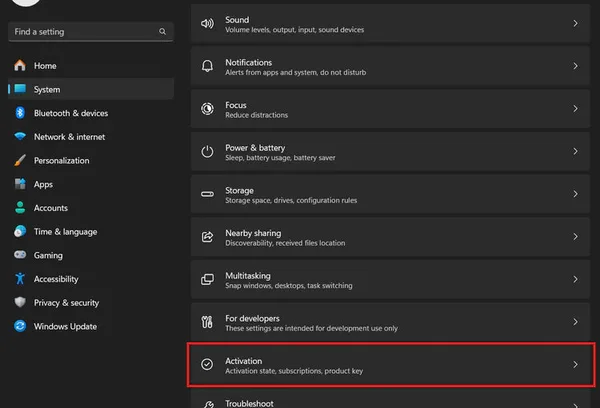
2. Click System -> Activation
3. Click Activate or Change Product Key
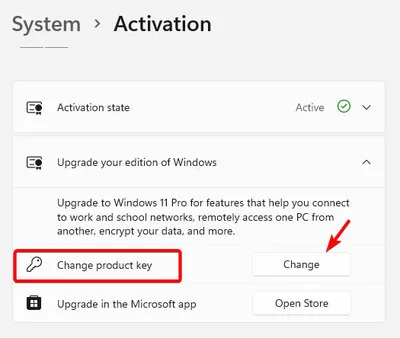
4. Enter the license key you received after purchase
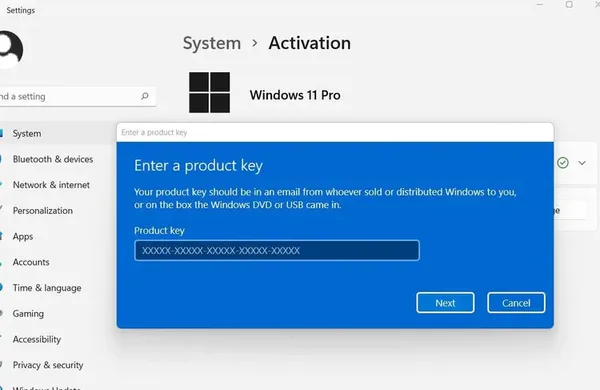
5. Done, now your Windows is fully activated and you will have access to Premium features.