Delivered by e-mail in 60 seconds
Genuine licences with invoice
Extended 30-day right of return
Support Mon–Fri, 12:00–22:00
Perpetual licences, no expiry date
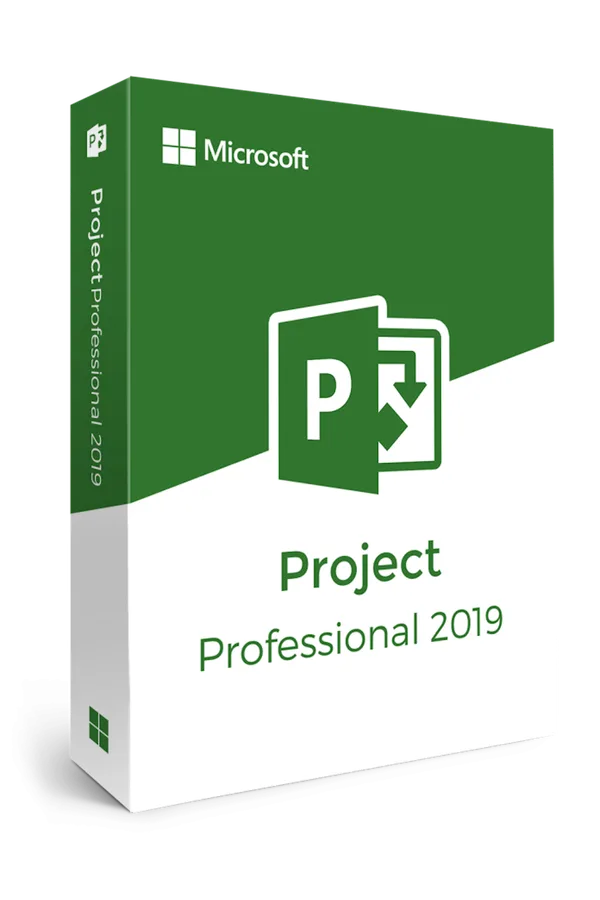
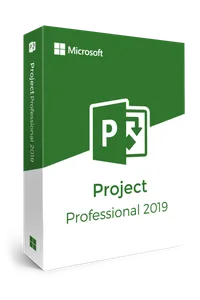
Microsoft Project Professional 2019 retail box
Office software

Project Professional 2019

MicrosoftSKU PROJECTP19-1DEAN 4260518144900
€11,95
In stock — delivered by e-mail
Instant delivery — your licence key arrives by e-mail in under 60 seconds.
Refurbished licence
30-day right of return
Invoice with VAT
Support in English

Specifications

Licence type Electronic License
Delivery Instant
Validity Permanent
Languages Multilanguage
Compatibility Windows 11, Windows 10
Warranty 24 Months
Return period 30 days
Technical support Yes

Description

Plan, manage, and deliver projects with ease using Project Professional 2019. Designed for professionals, this software offers advanced tools for task management, resource allocation, and meeting deadlines. With an intuitive interface and detailed reporting features, Microsoft Project Professional 2019 makes project management more efficient and organized.


Modernized interface

Enjoy an improved and organized user experience with Microsoft Project Professional 2019. Its intuitive interface allows you to plan, monitor and control complex projects with ease, regardless of their size. All important information is visible in a clear structure, so you can optimize your time and improve your performance.

Focus:

  • Modern Design: Optimized graphic layout for quick management.
  • User Experience: Streamlined navigation for quick access to essential features.
  • Productivity: Clear and intuitive view of schedules.


Efficient Management

With Microsoft Project Professional 2019, your team stays connected and can collaborate effectively on projects, regardless of location. Advanced integration with Outlook, SharePoint and Teams ensures seamless coordination and seamless communication so every member is up to date with the latest updates and changes.

Focus:

  • Centralized planning: Track all details in real time.
  • Collaboration without limits: Integrated communication functionalities.
  • Full integration: Seamless compatibility with Microsoft Teams and Outlook.


Planning and Monitoring

Discover the power of the planning and monitoring tools included in Project Professional 2019. From resource management and time allocation to complex risk analysis, all features are designed to help you complete projects on time and on budget.

Focus:

  • Resource Management: Allocate resources intelligently and identify overloads.
  • Gantt Chart: Interactive timelines for a detailed view of progress.
  • Detailed reports: Generate customized reports for performance analysis.

Refurbished perpetual license

This is a refurbished license — a perpetual license that has been reconditioned for reuse. It is original, legal and fully functional, sourced from authorized suppliers, and it is covered by the terms of our Product Warranty policy.

Details: Product Authenticity · Product Warranty · Terms of Use

Activation guide

Download the Microsoft Project
Professional 2019 installation file:

https://officecdn.microsoft.com/db/492350f6-3a01-4f97-b9c0-c7c6ddf67d60/media/en-us/ProjectPro2019Retail.img

After downloading the installation
file, follow these steps:

  1. Download the installation file.
  2. Double-click or right-click the .img file
    and select Mount.
  3. Double-click the Setup file and select Open.
  4. Wait for the installation to complete.
  5. After installation, open Project Professional
    from the Start menu.
  6. When the activation screen appears, enter the product
    key and click Activate.
  7. Done! Microsoft Project Professional 2019 is now fully
    activated.

If you encounter any issues or have
questions, please contact us through our Contact Page or via email at support@wow-soft.eu.

Our support team is available 24/7 to assist you.

Frequently asked questions

1) What is Microsoft Project Professional 2019 and who is it for?

A perpetual, one-time purchase project management app for Windows to plan schedules, allocate resources, track costs, and report progress—ideal for project managers, SMEs, and teams needing on-prem or hybrid control.

2) Is this a subscription or a lifetime license? How many devices are covered?

It’s a perpetual license for 1 PC (one active installation). No monthly fees. A Retail license can be transferred to a new device (one active at a time) under Microsoft’s terms.

3) What’s the difference vs. Project Standard 2019 or Project Online?

Professional adds advanced resource management, team collaboration, timesheets, and deeper integration with Microsoft 365 apps/SharePoint. Project Online / Project for the web are separate, cloud-based subscriptions for portfolio and roadmap scenarios.

4) System requirements and compatibility

Runs on Windows 10/11 (64-bit recommended) with a modern multi-core CPU, 4–8 GB RAM (more for large plans), and SSD storage for best responsiveness. Works with OneDrive/SharePoint and integrates with Teams for collaboration.

5) How do I receive, install, and activate Project 2019?

Delivery is digital via email (product key + steps). Download from Microsoft’s official source, install, then sign in / enter your product key to activate. You’ll get step-by-step instructions and support if you need help with activation.

Project Professional 2019 €11,95