

Product description
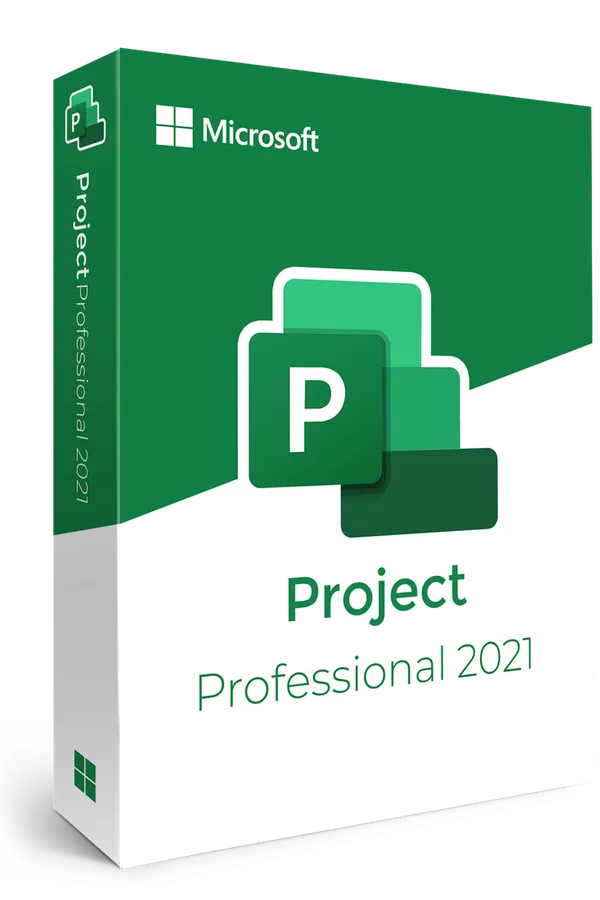
Plan, schedule, and manage projects efficiently with Project Professional 2021. Benefit from intuitive tools, Gantt charts, Microsoft Teams integration, and detailed reports for quick decision-making. Ideal for professionals, this software offers full control over resources and progress, ensuring the success of every project.
Improved interface
Microsoft Project Professional 2021 offers a modernized interface that enables the management of complex projects with a clear and well-organized structure. With intuitive features and advanced customization options, users can plan, track and report progress in real time.
Focus:
- Elegant Design: Adaptable and easy to use interface.
- Maximized Productivity: Intuitive navigation and quick access to essential functions.
- Visual Organization: Clear timelines for effective visualization.
Advanced Collaboration
Project Professional 2021 facilitates cross-team collaboration with built-in information sharing and real-time task monitoring. Native integration with apps like Microsoft Teams ensures barrier-free communication between team members, regardless of location.
Focus:
- Real-time updates: Efficient coordination of resources and tasks.
- Information sharing: Centralized platform for communication.
- Advanced Sync: Seamless integration with Microsoft 365 and other applications.
High Performance Planning
MS Project 2021 offers advanced planning functionality including resource management and risk analysis. Modern graphical tools like interactive Gantt charts and custom dashboards make it easy to track progress and optimize your project from start to finish.
Focus:
- Resource Allocation: Optimizing the distribution of tasks.
- Complex Analysis: Identifying risks and developing solutions.
- Detailed Reports: Create dynamic reports for performance analysis.
Second-hand perpetual licence
This is a second-hand licence, lawfully resold. The 2-year legal guarantee applies, plus a 30-day commercial warranty from us. The licence is original and fully functional.
Details: Product Authenticity · Product Warranty · Terms of Use
What you receive after purchase
The activation key delivered by e-mail, usually within 5 minutes, the official download link and the complete installation and activation instructions. Technical support included.