

Product description
Support status: Microsoft support for Office 2021 ends on 13 October 2026. No security updates, bug fixes or technical support are provided by Microsoft after that date. The software keeps working and the licence still activates.
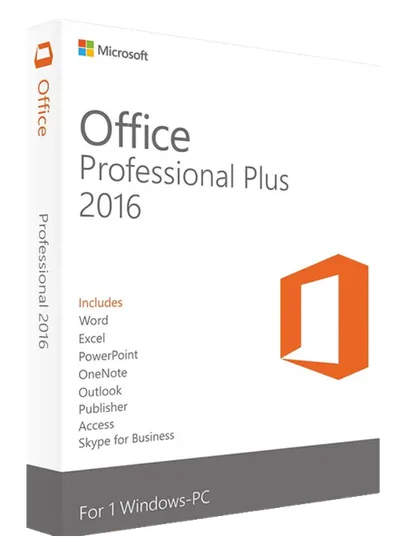
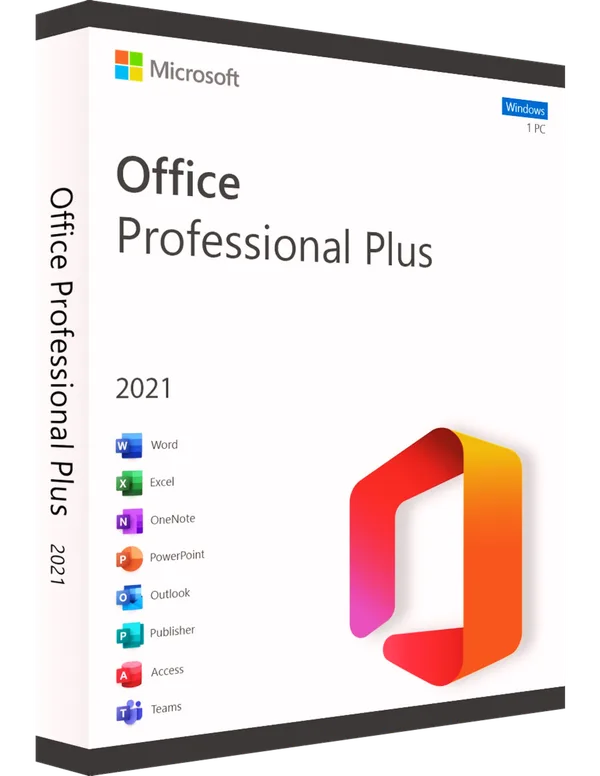
Take advantage of the latest features with Office 2021 Professional Plus. Built to support complex projects, this suite includes top-tier applications for editing and collaboration, making it perfect for users who need powerful tools. It offers a perpetual license for unlimited use.
Modernized and Consistent Interface
Discover a refined user experience with Office 2021 Pro Plus. The modernized interface with a coherent and attractive design makes navigation easier and increases productivity. All applications, from Word to Excel and PowerPoint, offer a unified look and advanced functionality for efficient and enjoyable work.
Focus on:
- Fluent Design: Modern and elegant appearance
- Consistency: Smooth navigation between apps
- Advanced Features: Powerful productivity tools
Security and Compliance
Make sure your data and documents are protected with Office 2021 Pro Plus. With advanced security and compliance features, including data encryption and data loss prevention (DLP), the suite protects sensitive information and complies with legal regulations.
Focus on:
- Advanced encryption: Data protection against unauthorized access
- DLP: Data Loss Prevention
- Compliance: Compliance with rules and regulations
Improved Performance and Efficiency
Experience a significant increase in performance and efficiency with Office 2021 Pro Plus. Optimized applications such as Word, Excel and PowerPoint provide fast response and advanced functionality for managing complex projects and daily tasks.
Focus on:
- Improved performance: Faster response time
- Maximum efficiency: Advanced tools for productivity
- Optimization: Efficient management of resources
Second-hand perpetual licence
This is a second-hand licence, lawfully resold. The 2-year legal guarantee applies, plus a 30-day commercial warranty from us. The licence is original and fully functional.
Details: Product Authenticity · Product Warranty · Terms of Use
What you receive after purchase
The activation key delivered by e-mail, usually within 5 minutes, the official download link and the complete installation and activation instructions. Technical support included.